fbpx

We've made submitting enrollment cards easy.


How It Works

STEP 1: Select your state below (please use the state where your group application was filed).

STEP 2: Fill out the Enrollment Card form and click SUBMIT.

That's it! If you have questions, please don't hesitate to contact us.

We've made submitting claims easy for the CLA family!


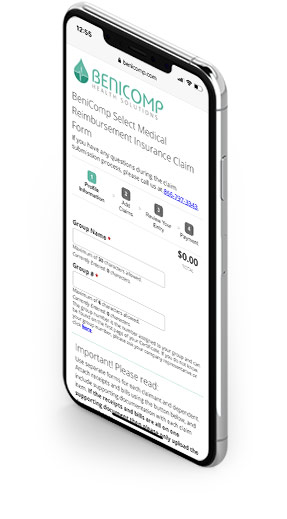
claims submission iphoneHow It Works

STEP 1: Submit your claims online

STEP 2: CLA deducts the claim amount + 12% from payroll. You realize tax savings immediately. 

STEP 3: BeniComp reimburses the claim amount to you via direct deposit


submit a claim

It's easier than ever!

**Please note: All claims are now submitted through the portal. See instructions below**  


submit a claim


How it works

STEP 1: Click the button below to login to the portal (first-time users need to create an account)


1090 MacBook Create an account


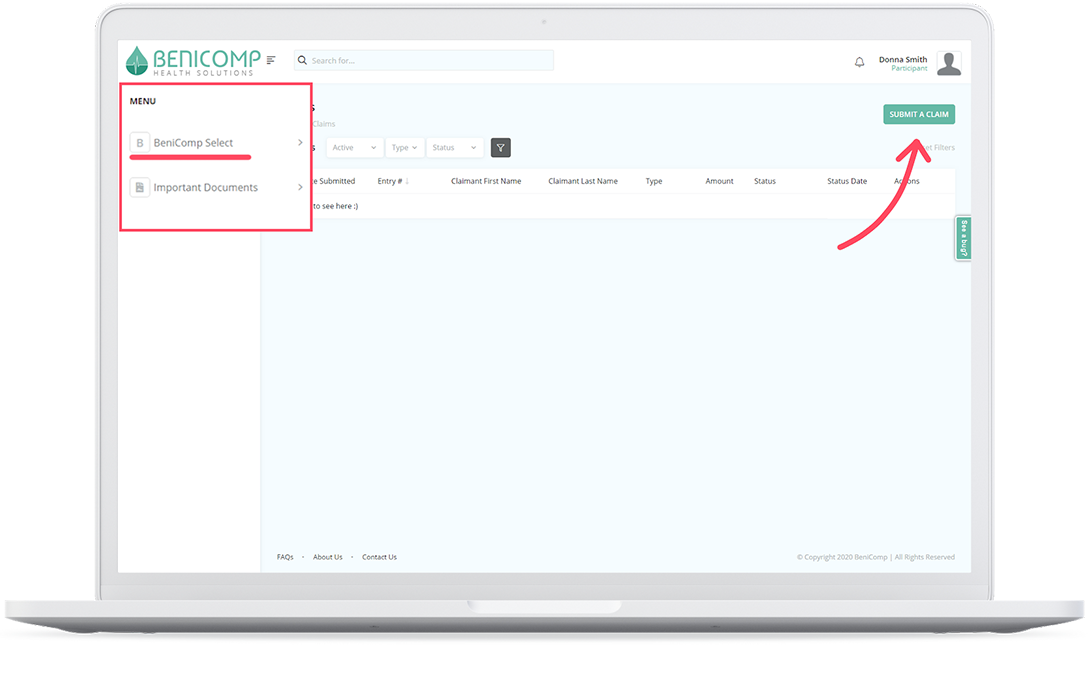
STEP 2: Click "Submit a claim" 


1090 participant Submit a claim step 1


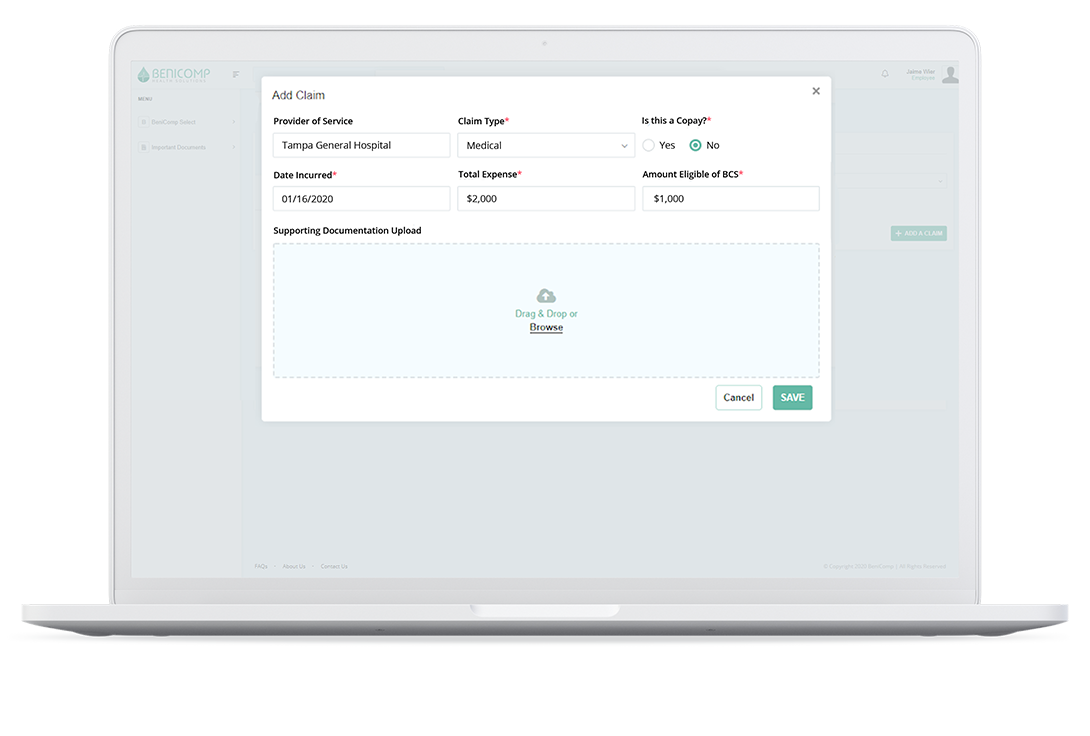
STEP 3: Fill out claim information and upload supporting documentation 


Submit up to 50 claims at one time. No need to type in your basic information-- it will auto-populate for you!


1090 participant upload supporting documentation

Click below to get started!  


submit a claim


Page 4 of 4